
For iPhone and iPad
Manga, Comics and Novels. Ad-Free.
Add sources, connect a server, or open your own files. Save your progress and download chapters for offline reading.
App Store: United States and Canada. TestFlight: worldwide.
Free for iPhone and iPad. Requires iOS 17 or later. Join TestFlight
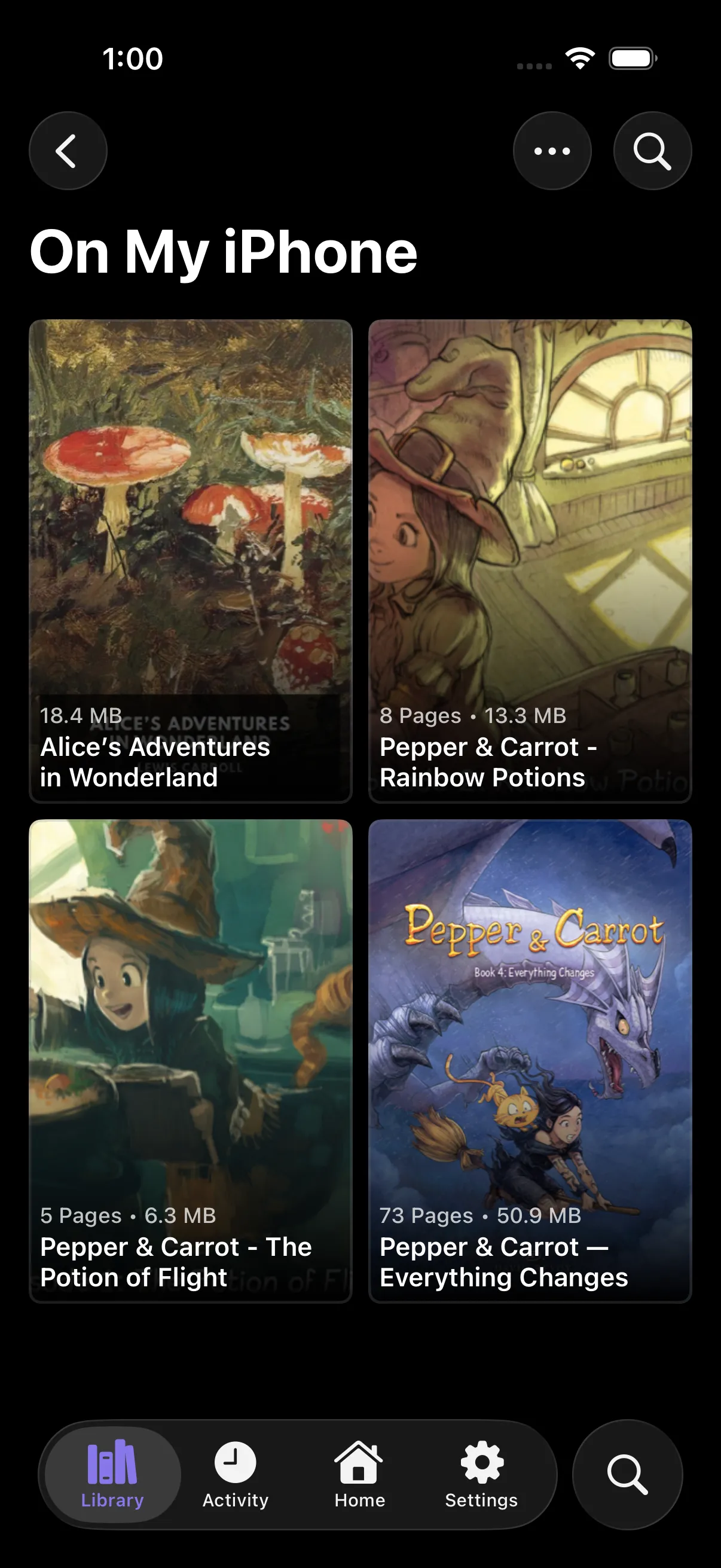
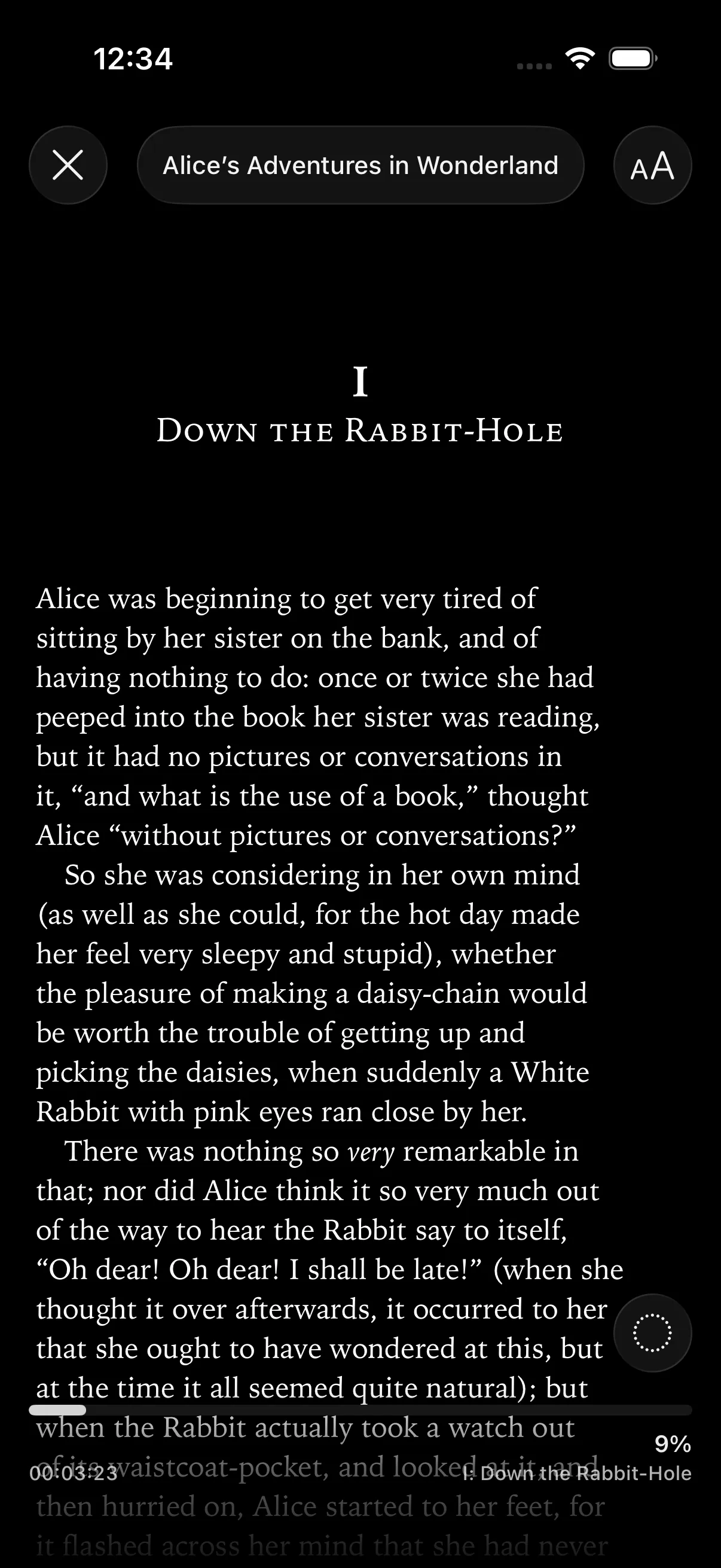
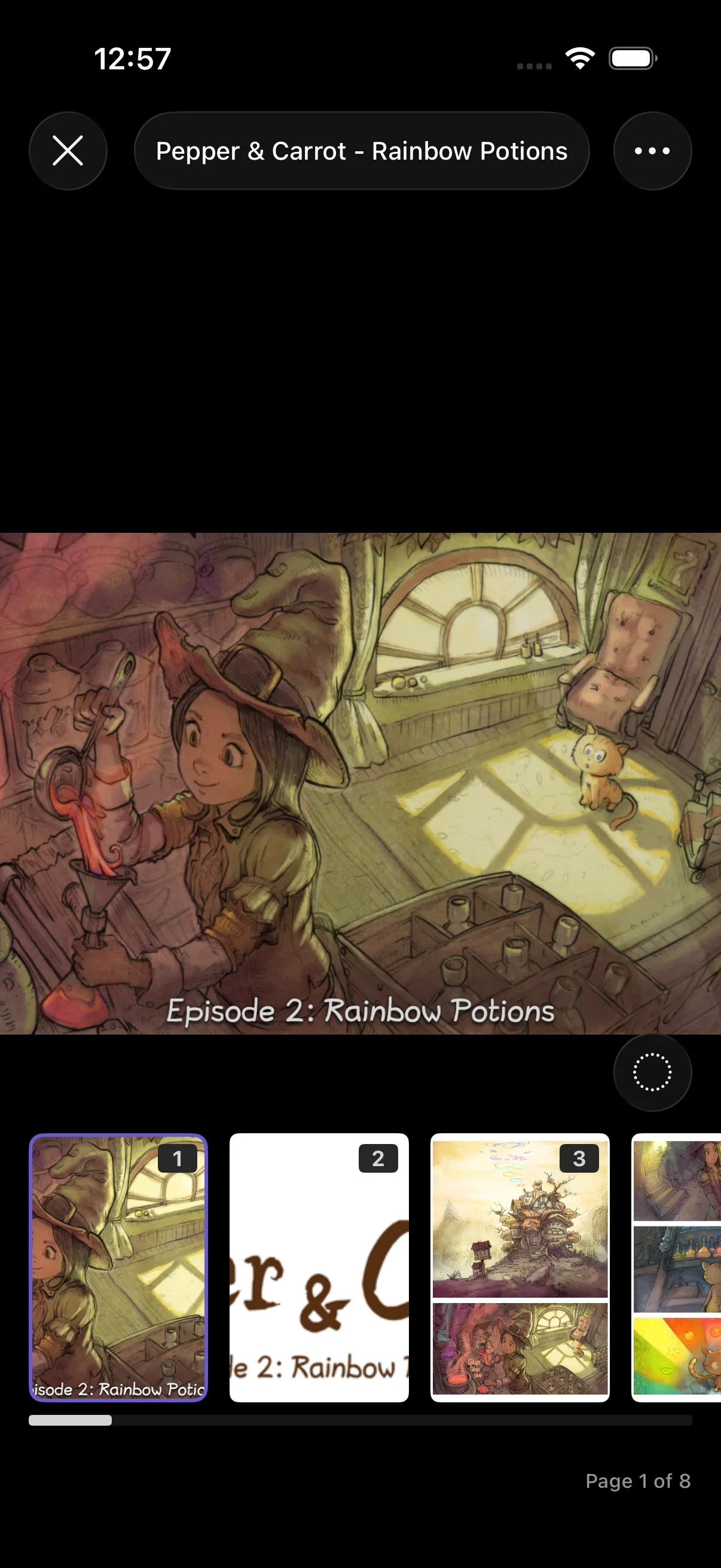
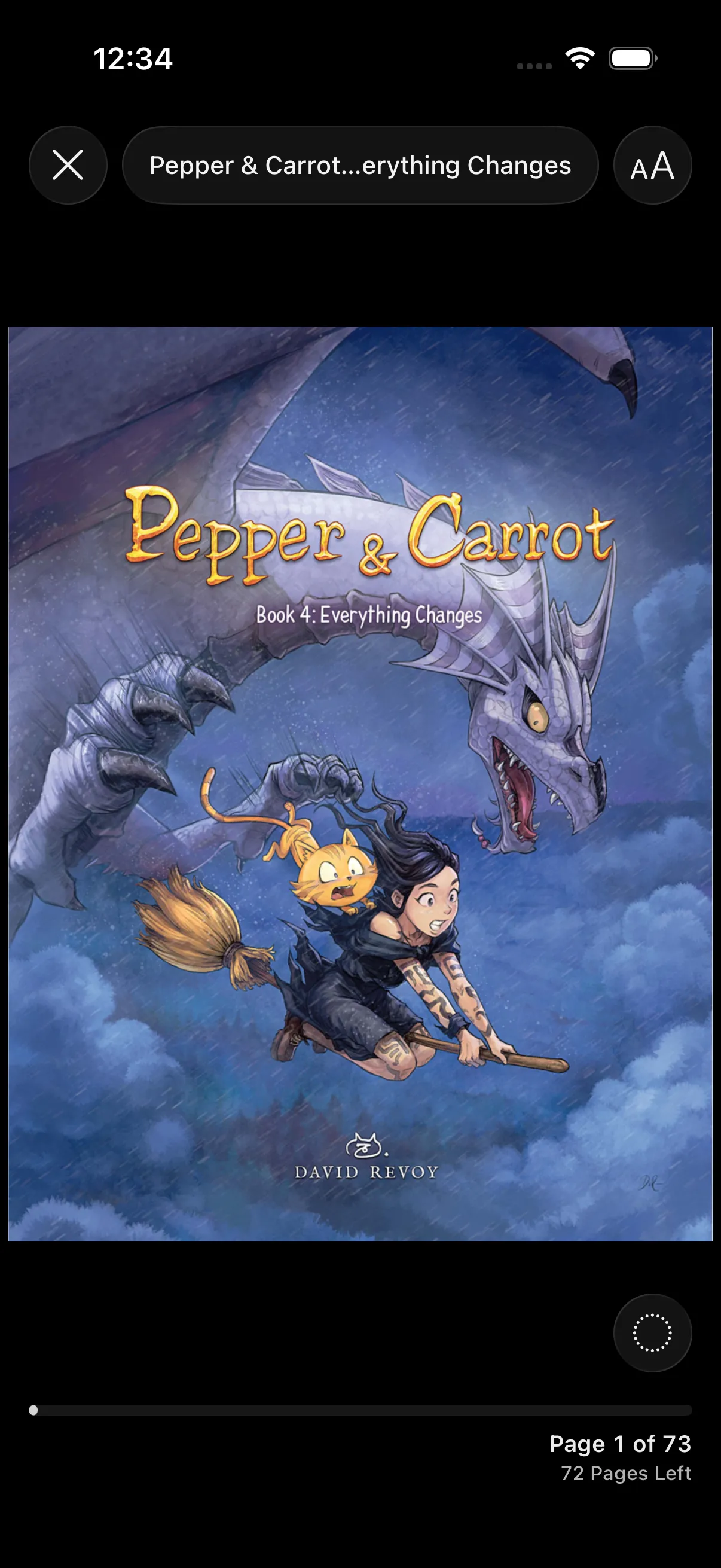
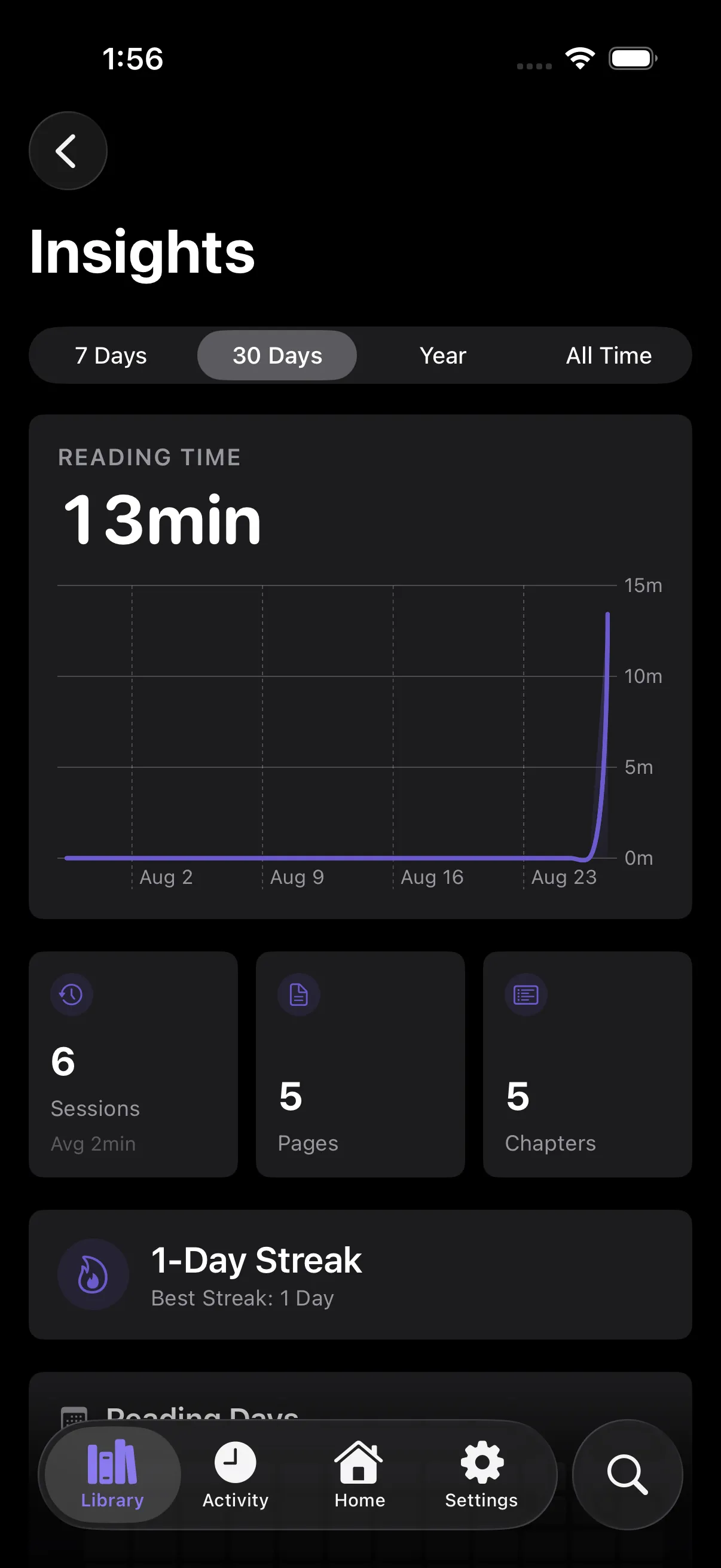
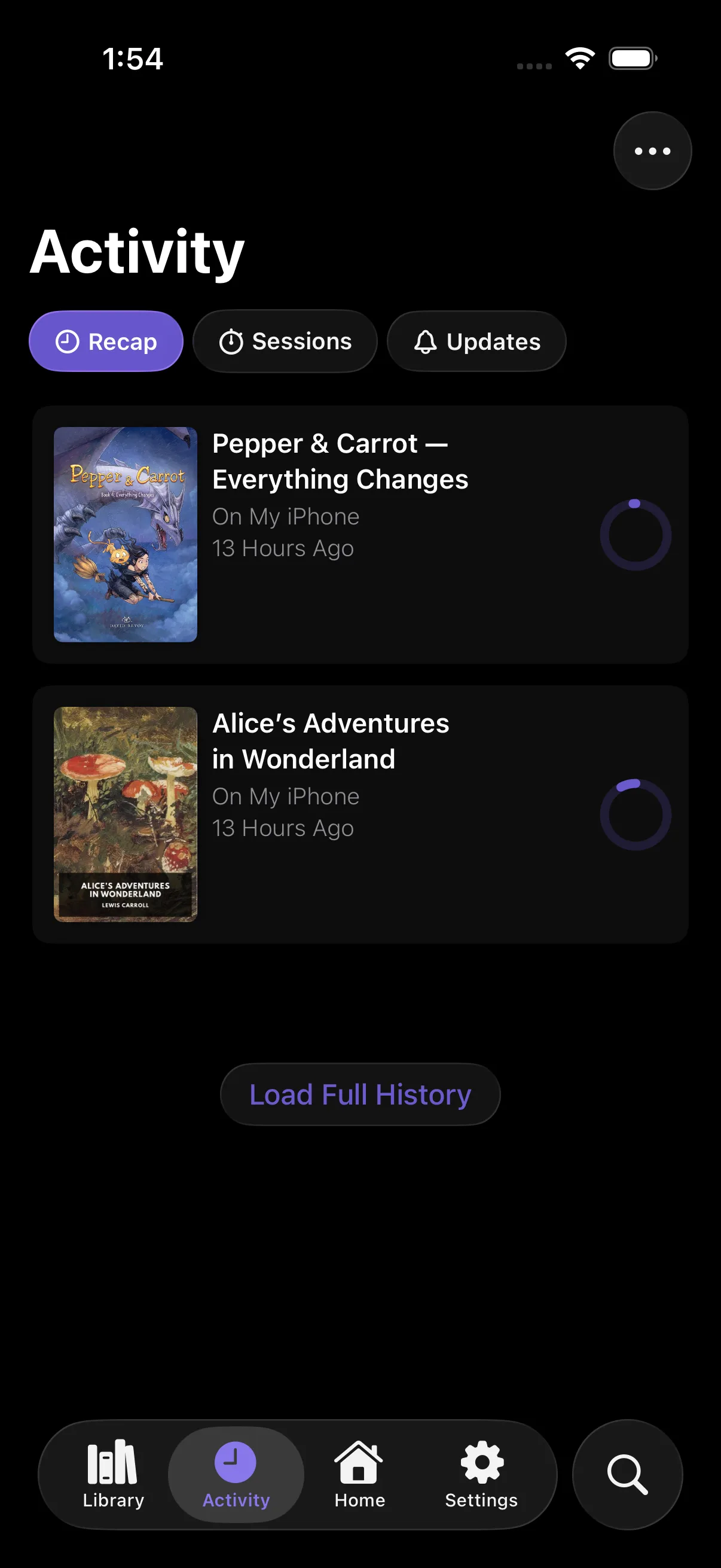
Pepper & Carrot by David Revoy and contributors, CC BY 4.0. Screenshots cropped. No endorsement.
Your Library
Sources, Servers and Files
Install sources, connect your own server, or choose a folder of books from Files.
Sources
Install sources from a list. Search them in one place.
- Shared Search
- Reader Presets
- Chapter Downloads
Servers
Connect Komga, Kavita, Suwayomi or OPDS.
- Komga
- Kavita
- Suwayomi
- OPDS
Files
Open comic archives, PDFs, EPUBs and folders of page images.
- CBZ
- CBR
- EPUB
- Image Folders
Reading
Set Up the Reader for Each Title
Choose a reading mode, adjust page controls, and save settings for a title or source.
Reading Modes
Choose Paged Manga, Paged Comic, Paged Vertical or Vertical.
Reading Modes GuidePage and Tap Controls
Split wide pages, rotate spreads, and adjust tap zones.
Page and Tap Controls GuideReader Presets
Save image-reader settings and apply them to a title, a source, or your defaults.
Reader Presets GuideBook Fonts
Add your own fonts for EPUB novels and source text chapters.
Book Fonts Guide
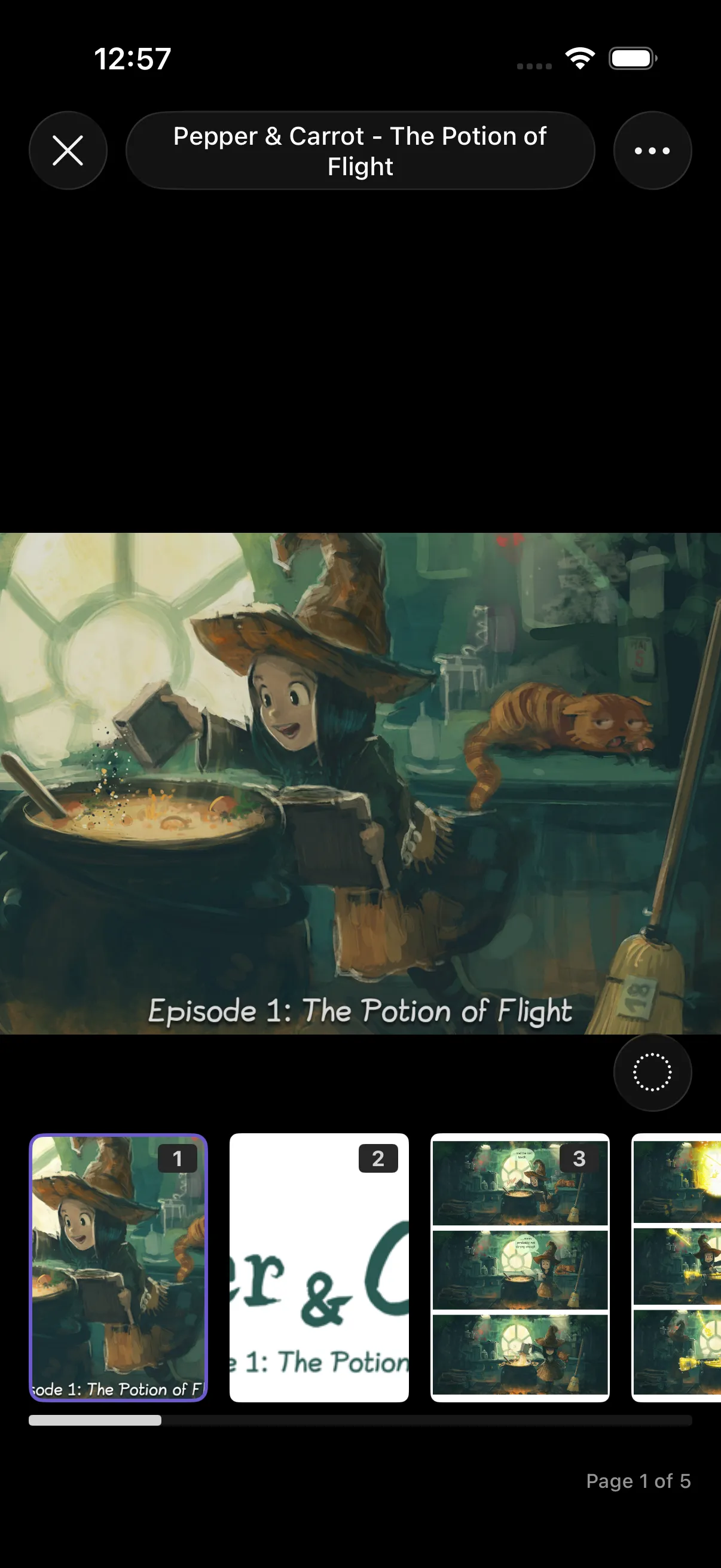
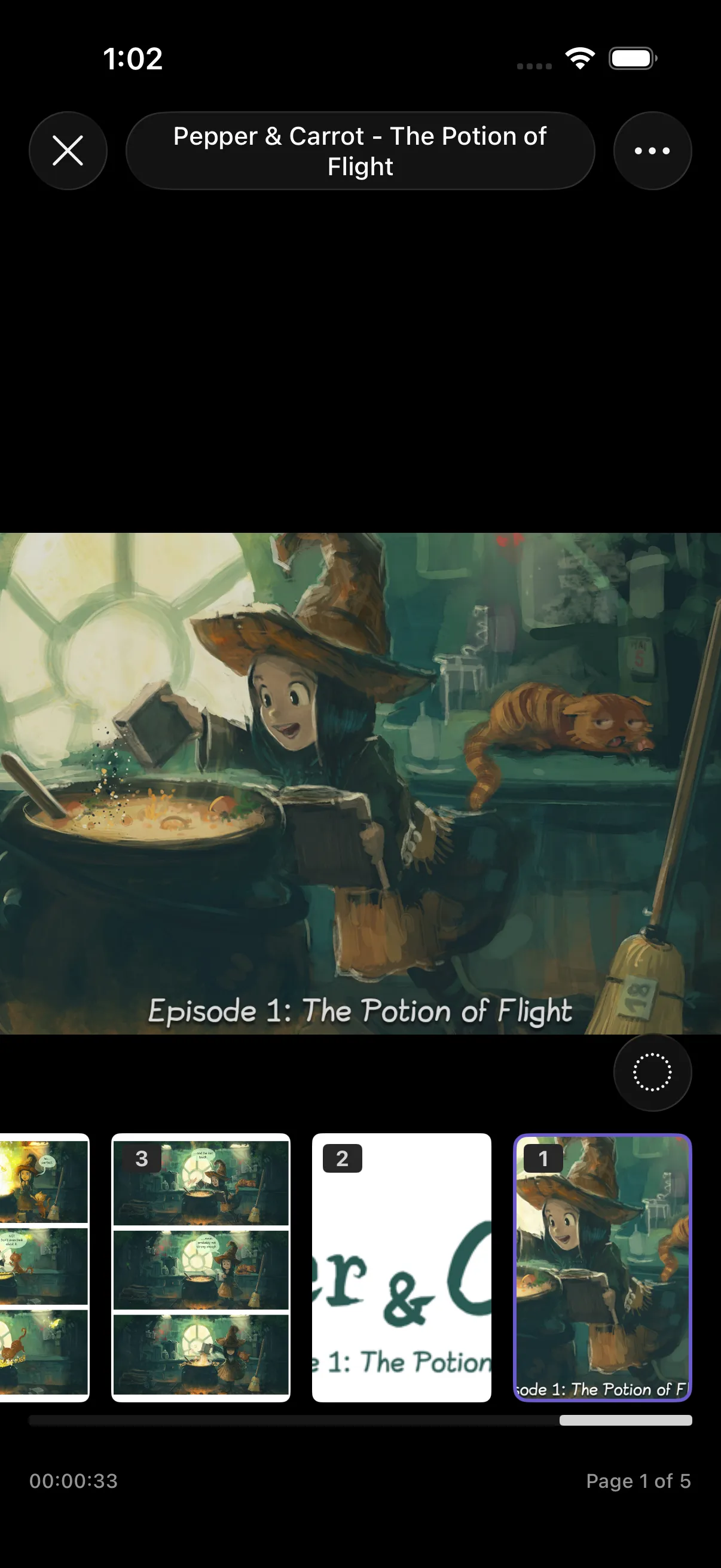
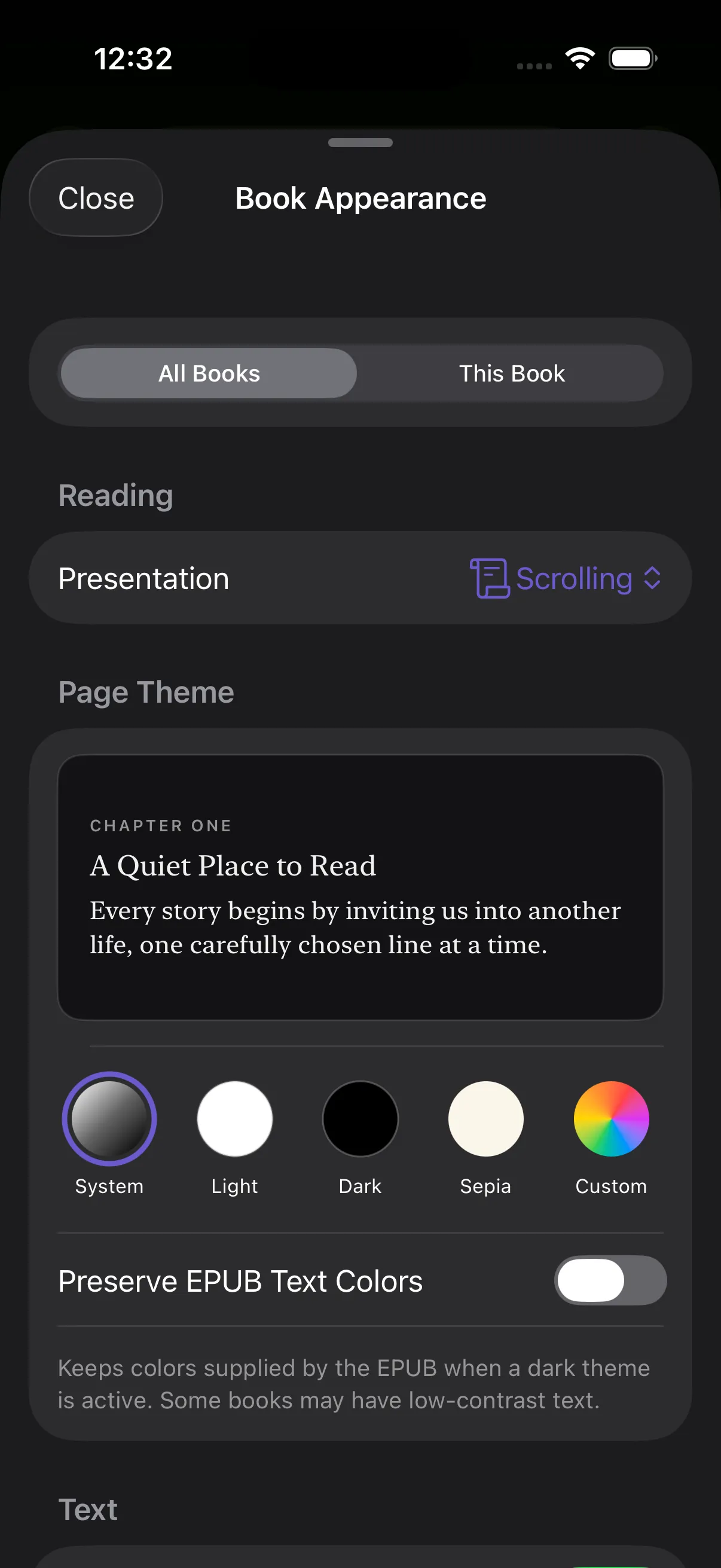
Pepper & Carrot by David Revoy and contributors, CC BY 4.0. Shown in Suwatte; screenshot cropped. No endorsement.
Library Tools
Find and Organize Your Books
Add labels, fill in comic details, and choose how the app looks.
Library Labels
Label source-library titles and filter by the labels you choose.
Library Labels GuideSearch Filters
Choose which local libraries, servers, and sources to search.
Search Filters GuideLocal Library Metadata
Find comic details with Comic Vine or Metron, review matches, and edit book records.
Local Metadata GuideThemes
Choose app colors, create light and dark palettes, and share a theme file.
Themes GuideImage-Folder Books
Read numbered page images from a folder without packing them into a comic archive.
Image-Folder Books GuideSource Links
Share a source, title, chapter, list, or search that opens in Suwatte.
Sharing Guide
Between Chapters
Keep Reading
Download unread chapters, check for updates, and return to a title from a widget.
Automatic Chapter Downloads
Keep the next unread chapters downloaded. Finished automatic downloads are removed as you read.
Automatic Downloads GuideSmart Updates and Upcoming
Choose title check schedules and see estimated chapter dates in a calendar.
Smart Updates GuideWidgets and Daily Goals
Resume a title from a widget, see chapter updates, and check your daily reading goal.
Widgets Guide
Library Data
Choose What to Sync
Use iCloud to sync across devices, or keep a separate library on this device. Supported sources, servers and trackers can receive reading progress.
iCloud
Sync your library, collections, flags and progress.
iCloud GuideThis Device
Use a separate library kept on this device, with a choice to merge it into iCloud later.
Device-Only Library GuideServers
Send progress to supported Komga, Kavita and Suwayomi servers.
Servers GuideSources
Send progress to sources that support it.
Source Sync GuideTrackers
Update matched tracker entries.
Progress Guide
Start Reading in Suwatte
Download the app, then add a source, connect a server, or open your files.